
How to clean up your camera roll by swiping
· by Davyd Hruts
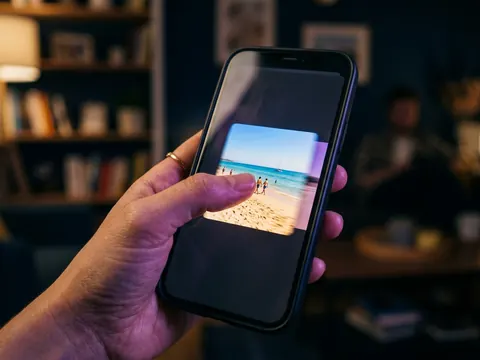
Go through the library one month at a time, one photo at a time, full screen: swipe left to delete, right to keep. A decision per photo takes about a second, so a busy month takes five minutes, and a whole year a week of short sessions. Start with the most recent month, which you still remember, and stop when it stops being easy.
Why one photo at a time is faster
A grid of thousands invites a select-all and then doubt, so nothing happens. One photo at a time asks one small question, and small questions get answered. You also see the photo full size, so you notice the blurred one and the better copy next to it.
How to break up a big library
- One month per session; ten minutes is plenty.
- Screenshots and short accidental clips first: they are almost all clutter.
- Holidays last: they are slow because they are worth looking at.
- Keep a tally of space freed; seeing it grow is what keeps you going.
What to do with the keepers
A cleanup is a good moment to sort. Put the keepers into a few albums as you go, Family, Trips, Documents, instead of planning a separate organising day that never comes.
Questions
Is there a built-in way to swipe through photos?
Photos lets you swipe between photos and delete one at a time, but each deletion is two taps and there is no keep, no progress, and nothing remembers where you stopped.
How long does it take to clean a library of 20,000 photos?
At about a second per photo, five to six hours in total, spread over a couple of weeks of short sessions.