
How to delete duplicate photos on iPhone
· by Davyd Hruts
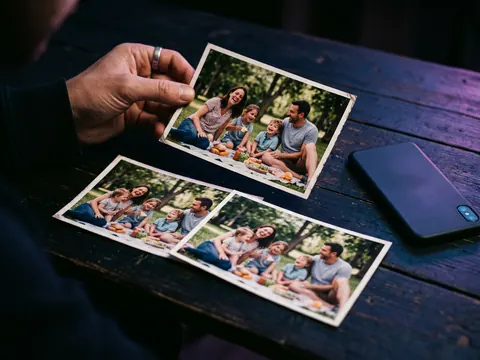
Open Photos, scroll to Utilities, and tap Duplicates. iOS lists exact copies and photos that differ only in size or metadata; Merge keeps the highest quality one and combines the details into it. It does not catch bursts or near-identical shots, the three frames of the same pose, which need a second pass.
With the Photos app
- Open Photos and scroll down to Utilities.
- Tap Duplicates. It appears only once iOS has finished scanning, which can take a day after an update or a large import.
- Tap Merge on a group, or Select, then Merge, to do many at once.
Merged copies go to Recently Deleted and leave after 30 days, or when you empty it.
Similar photos are a different problem
The Duplicates album only catches true copies. Most of the waste is near-duplicates: a burst of nine frames, five tries at the same group photo, the same picture saved twice from a chat with different compression. These need to be looked at side by side, because which one is best is a judgment, not a match.
What to keep from a group
- The sharpest one, at full size. Zoom in on the eyes.
- One per moment, not one per minute: three of the same pose is two too many.
- Edited copies only if you like the edit; the original is in the edit's history anyway.
Questions
Why is there no Duplicates album in my Photos?
It appears only when iOS has found duplicates, and only after the library has been fully indexed, which runs while the phone is locked and charging.
Does merging duplicates lose anything?
Merge keeps the highest quality version and combines captions, keywords and favourites from the others into it.