
How to compress photos on iPhone and keep full resolution
· by Davyd Hruts
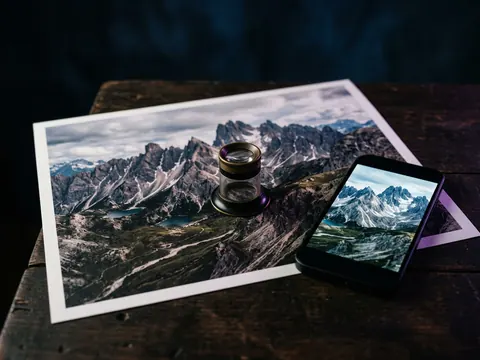
Only some photos are worth it. ProRAW frames (around 75 MB at 48 MP), PNG screenshots and old JPEGs can lose a third or more of their size when saved as high-quality HEIC at the same resolution. An ordinary HEIC photo of 2 to 3 MB has almost nothing left to give, and compressing it again only costs quality.
Which photos are heavy
| Kind of photo | Typical size | Worth compressing? |
|---|---|---|
| 48 MP ProRAW | about 75 MB | Yes, by far the most |
| 48 MP HEIF Max | about 5 MB | Sometimes |
| 12 MP HEIC (default) | 2 to 3 MB | Rarely |
| PNG screenshot | 1 to 5 MB | Yes |
| JPEG from an older phone or a camera | 3 to 10 MB | Often |
Resolution is not size
Compression changes how efficiently the pixels are stored, not how many there are. A 48 MP photo saved as high-quality HEIC is still 48 MP, and looks the same zoomed in. Tools that shrink photos by reducing them to 12 MP or less do save more, but that is resizing, and it cannot be undone.
What to check in any compressor
- The resolution is the same after as before.
- The date, location and albums are kept, so the photo stays where it was in your library.
- The original is not deleted until you have seen the result.
- Live Photos are left alone, or their motion is lost.
Questions
Will compressed photos print worse?
At maximum or high quality, no visible difference on screen or in a normal print. Keep originals of anything you will print large.
Should I shoot in ProRAW?
Only for photos you will edit seriously. For everything else, HEIF Max or the default HEIC gives you the same picture at a fraction of the size.